Saw a pose you love?
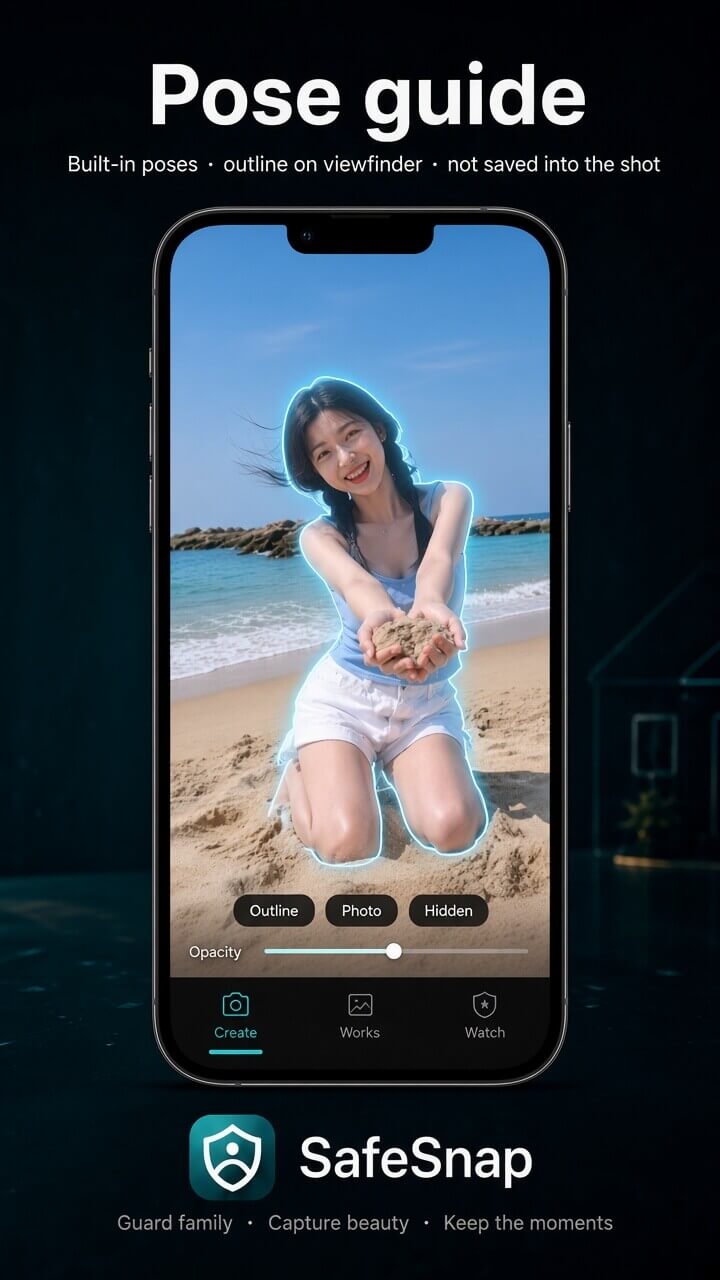
Import that photo as a guide and match the outline while you shoot.
Snap better · look better
Import a photo you love and follow the outline, with beauty on when you want the shot to look ready. Sweep a panorama when the view is wide. Open Watch when you want eyes at home.
Android is on Google Play. The iPhone app is still in development.
From the shot to the watch
Import any reference photo—or pick a built-in pose—and follow the outline while you shoot.
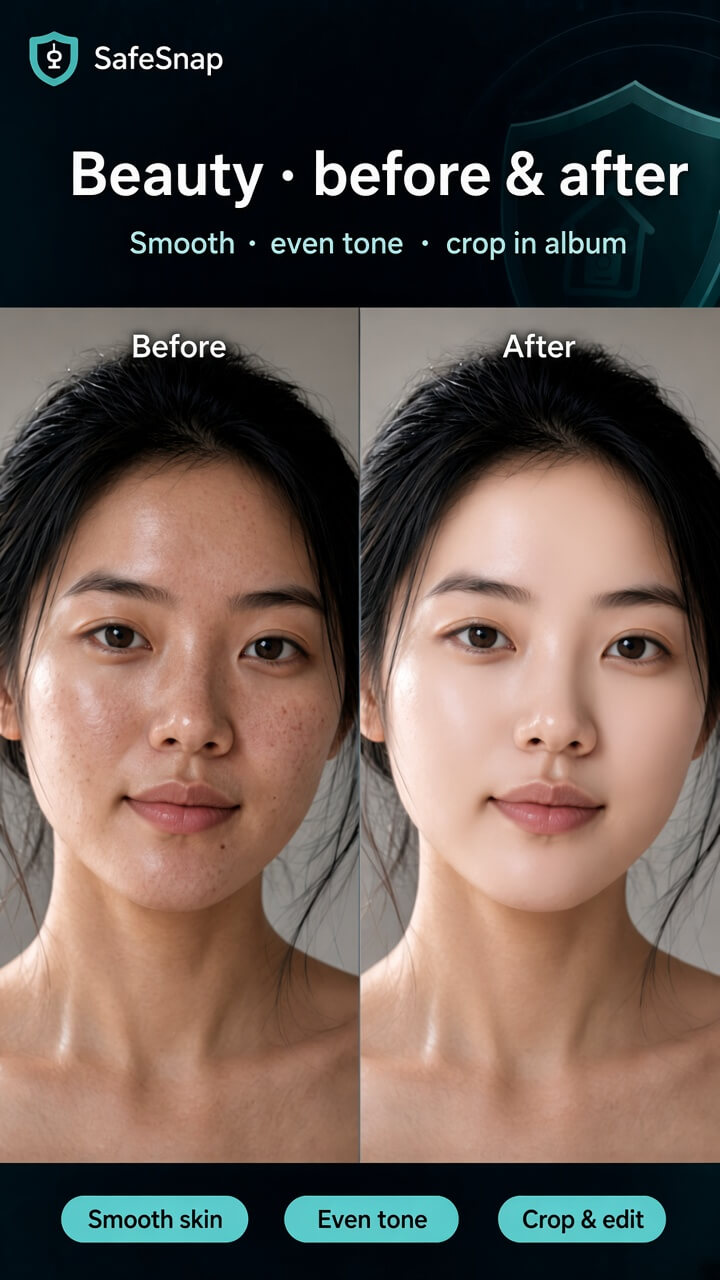
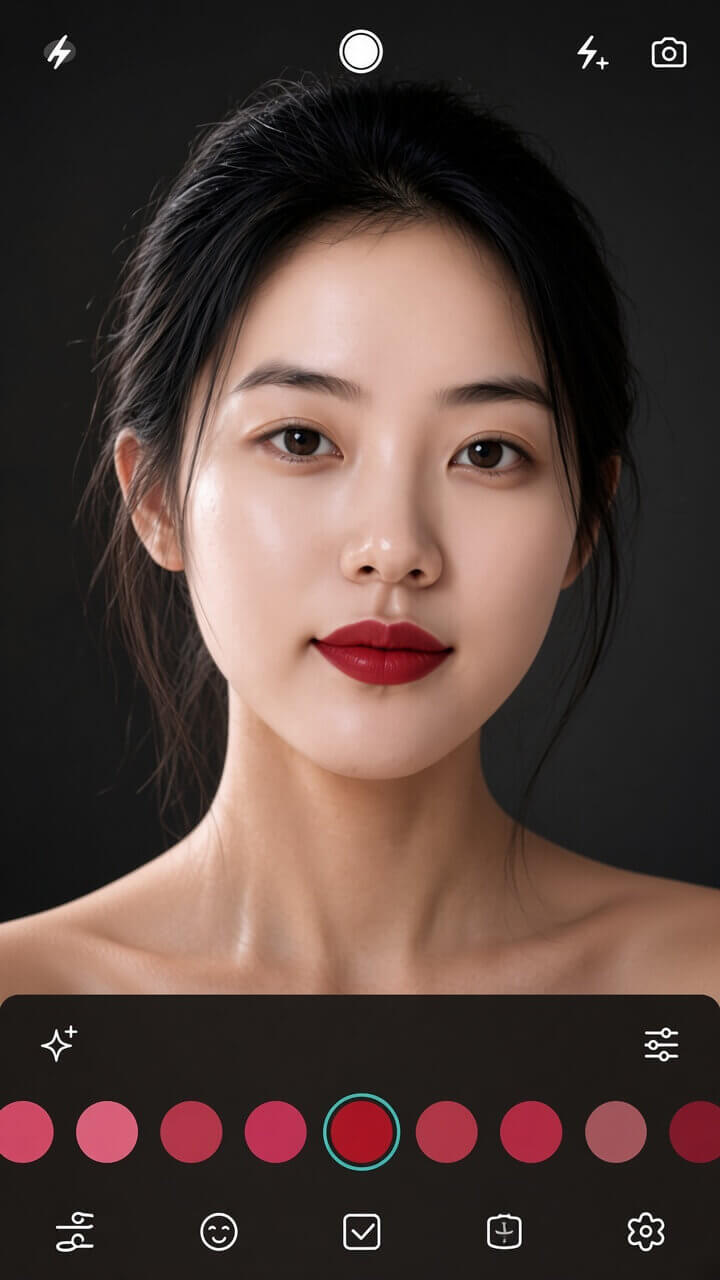
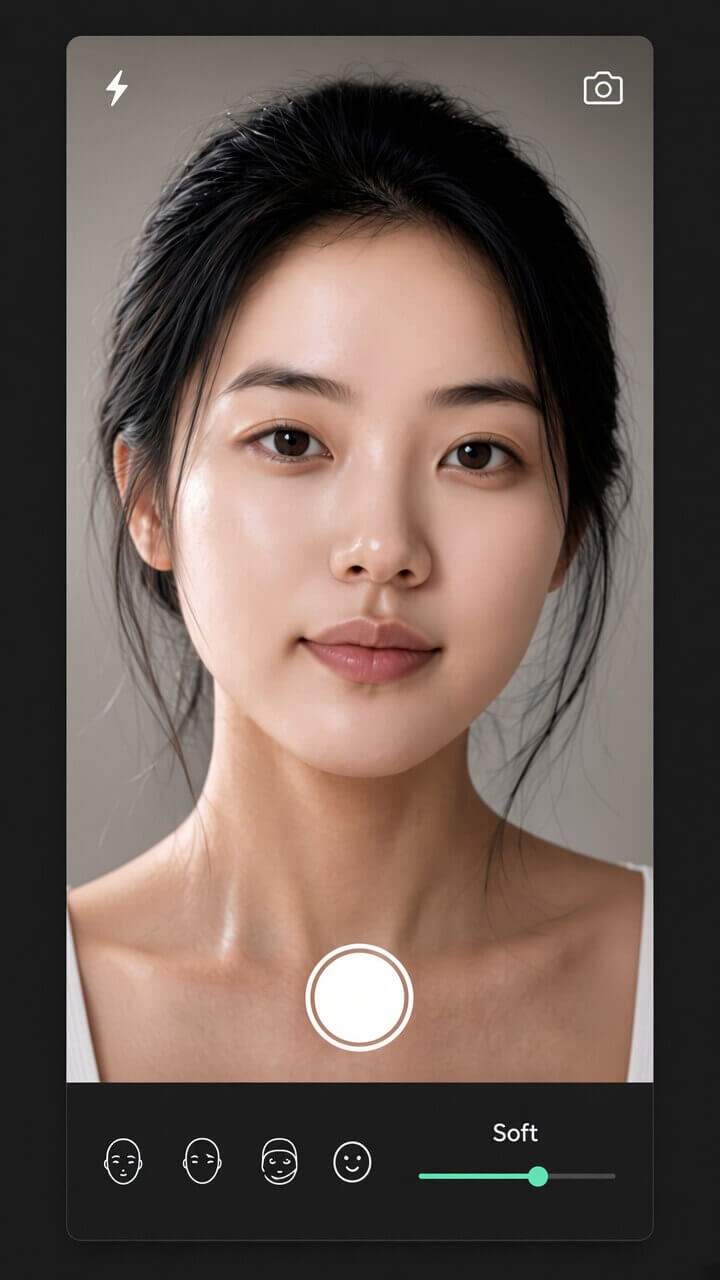
Smooth and brighten while you snap or record—plus lipstick shades and subtle reshape when you want more. Retouch and crop later in Works too.
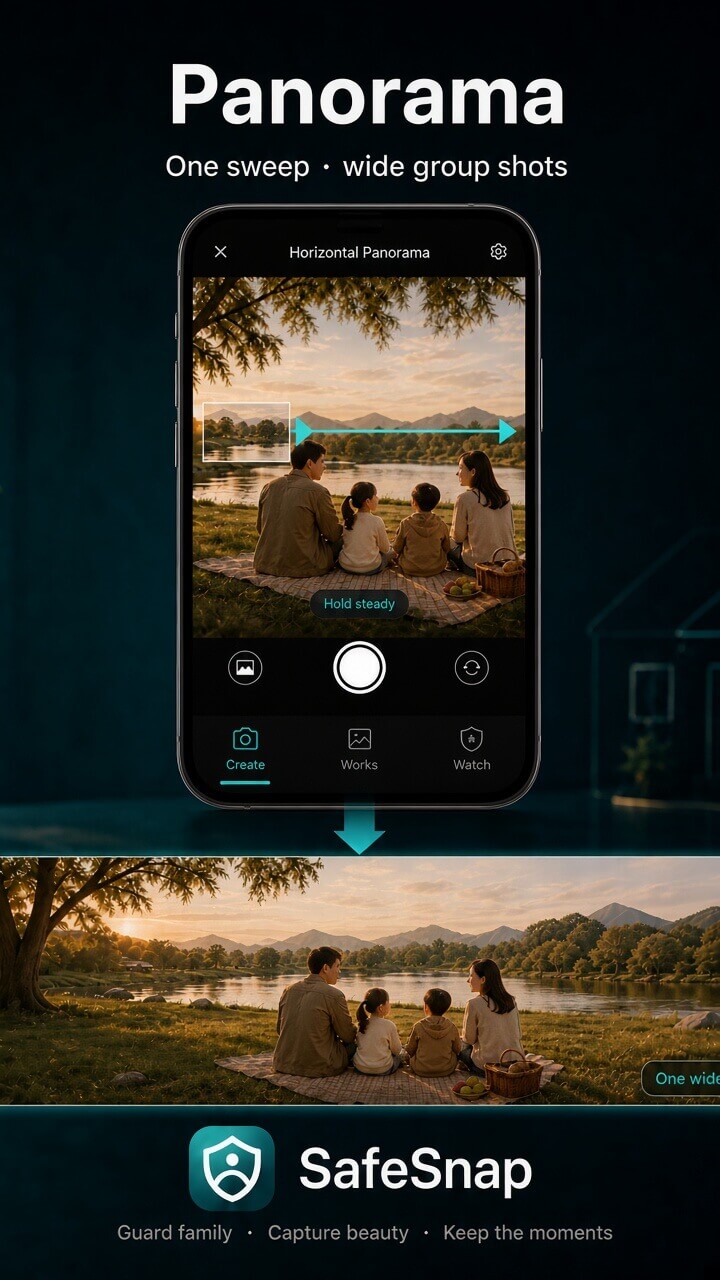
Sweep into one wide photo—landscapes and the whole group in a single frame.
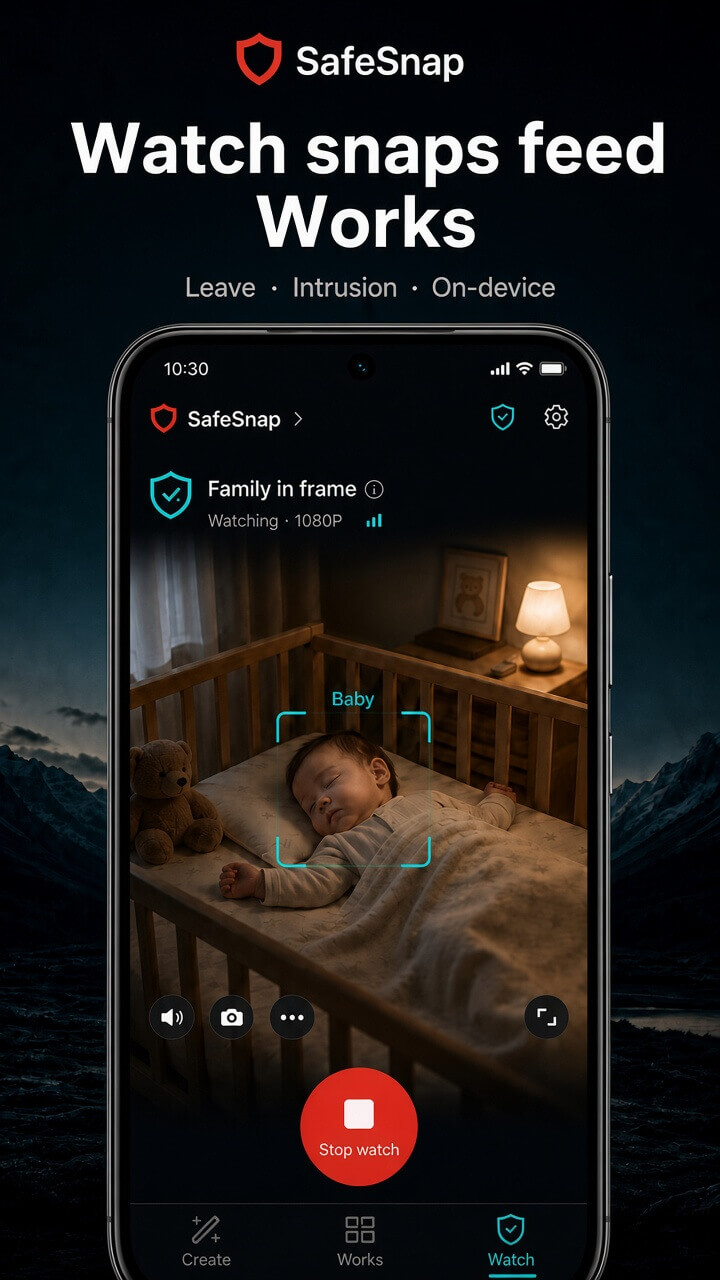
Know when family leaves, and when someone else comes in. Warm snaps from Watch land in Works.
Pose · beauty · lipstick · reshape · panorama · watch
A pose buddy, beauty with lipstick and reshape, and a panorama—then Watch, when you want it.
Import that photo as a guide and match the outline while you shoot.
Beauty, lipstick, and reshape on snap and record; retouch and crop in Works if you need a second pass.
Get the tower or lakeside group in one panorama sweep.
Photos you take and snaps from Watch live together. Collage or cartoon them when you want to share.
On-device
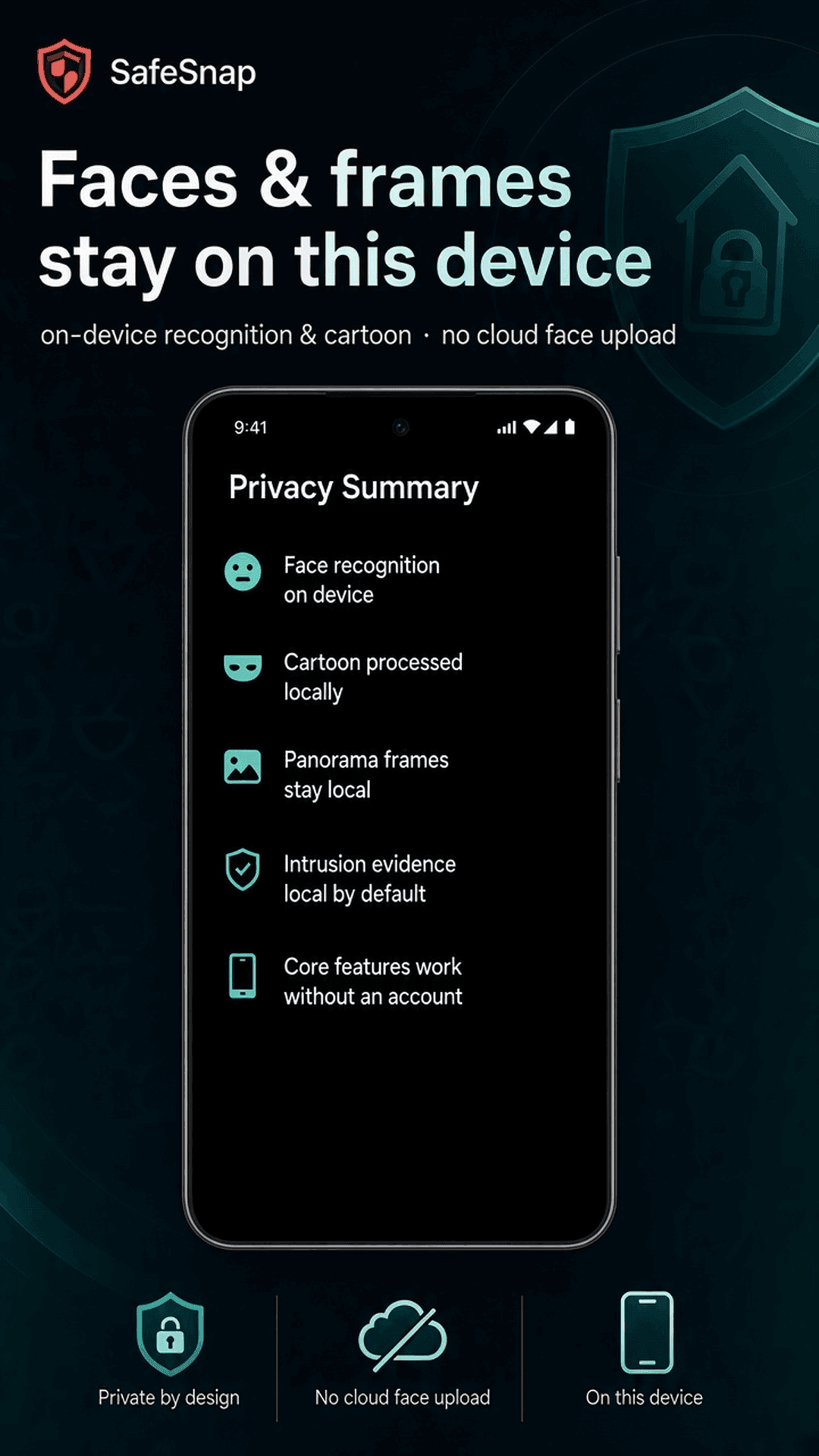
Beauty, cartoons, and face recognition finish here. Open Watch only when you want eyes at home—it tells family leaving from someone coming in, and those snaps still land in Works.
Photos, video, and panoramas stay on this phone. No account to start creating.
Watch stays off until you open it. Then this phone tells a family member leaving from a stranger coming in.
Warm moments caught while watching go into Works, beside the photos you took yourself.
Creating is free. Membership adds brand lipstick, full reshape intensity, watermark-free beauty and cartoons, wider sharper panoramas, spoken and email alerts when you are away, and more family slots. Price is shown in Google Play.
Google Play · App Store · Coming soon
Android is available now. The iPhone app is still in development.
Get it on Google Play →